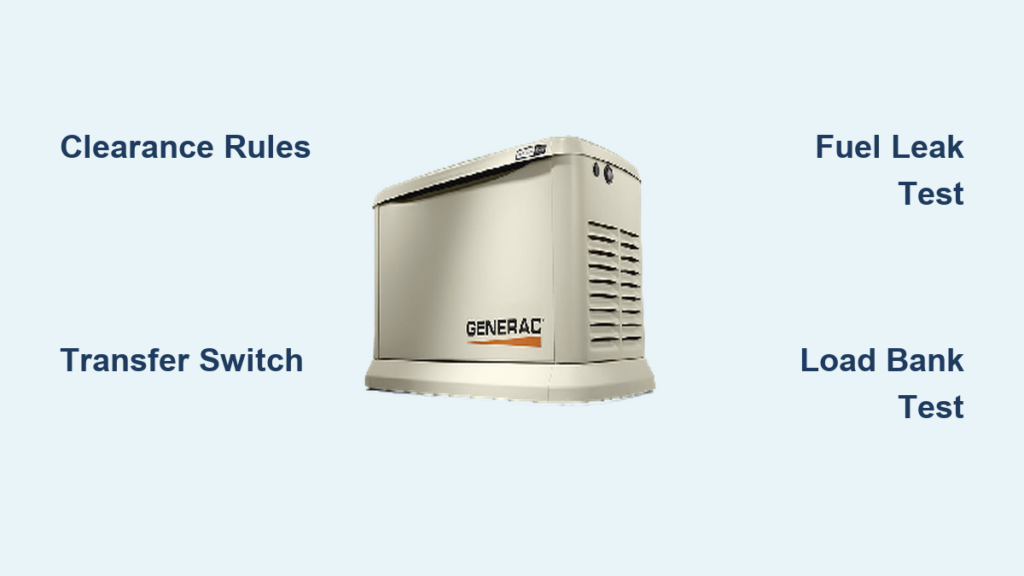
Your Generac generator stands ready to protect your home during power outages, but what happens when both the electricity and your Wi-Fi go down simultaneously? This critical situation demands immediate action—your generator must function independently of internet connectivity to provide essential power. While modern Generac units offer impressive remote monitoring capabilities, their fundamental design ensures they can operate safely and effectively without any network connection whatsoever.
Unfortunately, the specific activation procedures vary significantly across Generac’s extensive product line, and verified step-by-step instructions for manual operation aren’t consistently documented in publicly available resources. What’s certain is that every Generac standby generator includes physical controls designed specifically for offline operation—this isn’t an optional feature but a fundamental safety requirement for emergency power systems. This guide will help you understand the principles of manual activation while directing you to the most reliable sources for your specific model.
Why Generac Generators Must Function Without Wi-Fi
Built-In Independence from Network Connectivity
Generac generators are engineered as life-safety equipment first and smart devices second. The National Electrical Code (NEC) and safety standards require that standby generators operate independently of external networks because power failures often coincide with communication outages. Your generator’s physical control panel isn’t merely a backup—it’s the primary interface designed to function when everything else fails.
The automatic transfer switch (ATS) operates through dedicated electrical pathways separate from Wi-Fi systems. When utility power fails, the ATS detects the outage within seconds and signals the generator to start through hardwired connections, not wireless signals. This critical functionality works even if your router, modem, and smartphone are all powerless.
Understanding Your Generator’s Dual Control System
All Generac standby units incorporate two distinct control systems:
- Primary physical control system: Directly wired to the generator engine and transfer switch
- Secondary remote monitoring system: Connects via Wi-Fi to the Mobile Link application
When Wi-Fi fails, the secondary system becomes unavailable, but the primary physical controls remain fully operational. This isn’t a limitation—it’s intentional design. The generator’s core purpose is to provide power during emergencies, which frequently include communication infrastructure failures. Your unit continues monitoring oil pressure, temperature, and voltage through dedicated sensors regardless of network status.
Locating Physical Controls on Your Specific Model
Identifying Your Generator Series
Before attempting manual activation, determine your specific Generac model series as control layouts differ significantly:
- Guardian Series: Most common residential models (7kW-24kW)
- QuietSource Series: Larger residential and light commercial units
- PowerPact Series: Commercial and industrial applications
Your model number appears on the metal data plate typically located on the generator’s side or top panel. This number (like “7043” or “165514”) determines your exact control configuration—never assume button placement based on photos of similar models.
Finding the Physical Control Panel
All Generac standby generators feature a weather-protected control panel housing the essential manual controls:
- Look for a rectangular panel, usually 6″x8″, with a flip-up or slide-open cover
- The cover typically has rubber seals to protect against moisture
- This panel remains accessible even when the generator is installed in an enclosure
Critical components you should locate:
– Three-position switch: AUTO/OFF/MANUAL (essential for manual operation)
– START and STOP buttons (may be combined as a single toggle)
– LCD display showing operational status
– Emergency stop button (red, usually recessed)
Basic Manual Operation Principles
The Universal Three-Position Switch System
Nearly all Generac standby generators use the same fundamental three-position switch for manual control:
- AUTO position: Generator automatically starts when power fails
- OFF position: Completely shuts down the generator
- MANUAL position: Forces generator to start regardless of utility power status
This switch is your primary tool for offline activation. When Wi-Fi fails but utility power remains, moving this switch to MANUAL will start your generator immediately. During actual power outages, the generator should start automatically in AUTO mode even without Wi-Fi.
Proper Manual Activation Sequence
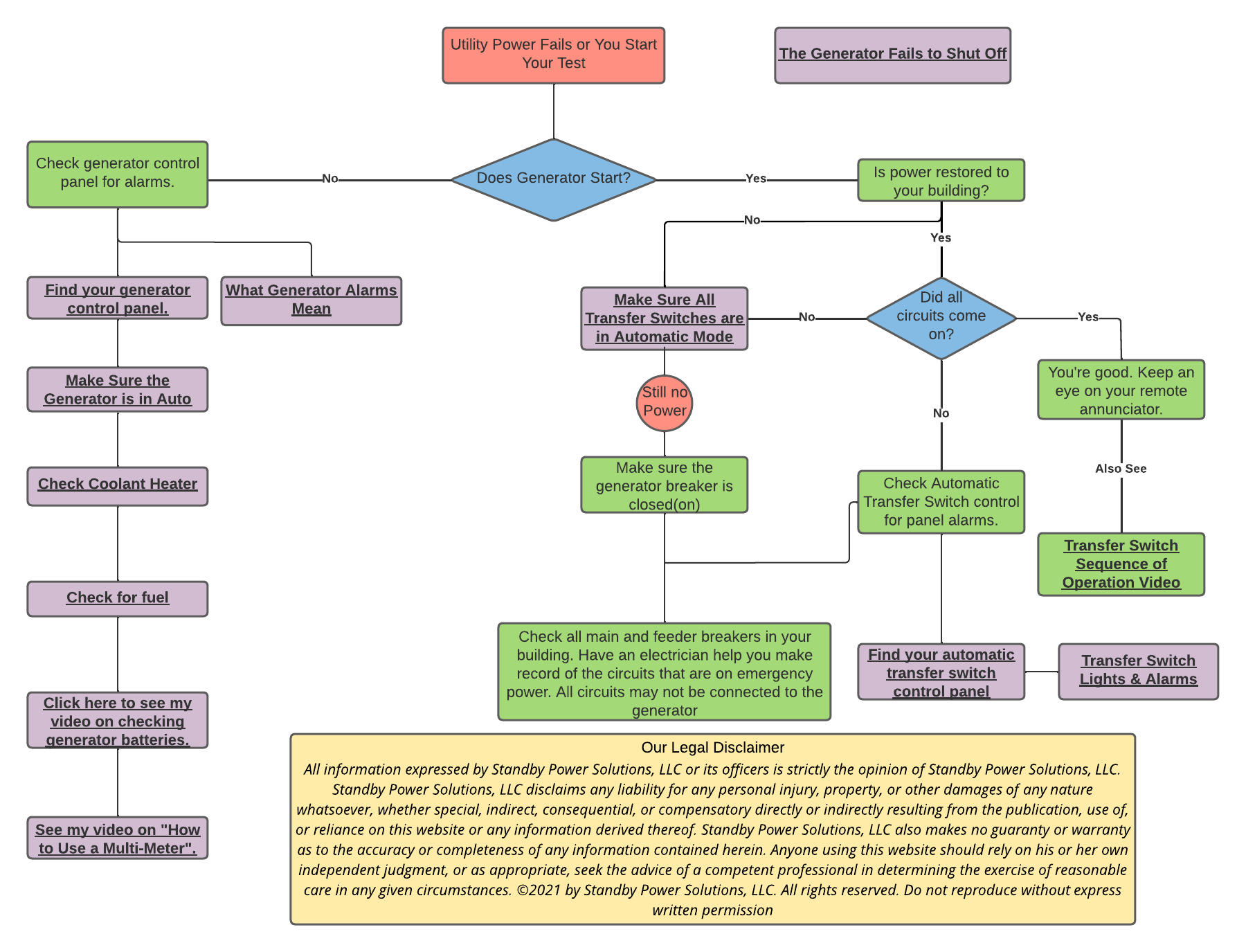
While exact procedures vary by model, the universal safe activation process follows these principles:
-
Verify safety conditions before attempting start:
– Ensure proper ventilation around the unit
– Confirm fuel supply is adequate (propane tank level or natural gas pressure)
– Check that the area around the generator is clear of debris -
Move the three-position switch from AUTO to OFF and wait 10 seconds
– This clears any previous fault conditions
– Allows electrical systems to reset -
Move the switch to MANUAL position
– The generator should begin cranking within 10 seconds
– Listen for the engine to start and stabilize -
Monitor the LCD display for “RUNNING” status and normal voltage readings
– Typical residential units should show 120/240V output
Important: If the generator doesn’t start on the first attempt, return the switch to OFF and wait at least 30 seconds before retrying. This prevents starter motor overheating—a critical safety consideration often overlooked during emergencies.
Consulting Your Most Reliable Resource: The Owner’s Manual
Why Model-Specific Documentation Is Essential
The single most accurate source for your generator’s manual operation procedures is the owner’s manual specifically created for your model number. Generac publishes detailed operation guides that include:
- Exact control panel diagrams for your specific unit
- Step-by-step offline activation sequences
- Model-specific fault code explanations
- Safety warnings particular to your generator’s configuration
Without access to your specific manual, attempting detailed procedures risks improper operation. Many homeowners store manuals digitally, creating a dangerous situation when both power and internet fail simultaneously. Print and store your manual in a waterproof container near your generator for emergency access.
Finding Critical Information in Your Manual
When consulting your owner’s manual, focus on these sections:
- “Local Control Operation”: Details physical interface usage
- “Manual Start Procedures”: Specific sequences for offline activation
- “Fault Code Reference”: Helps diagnose issues without Wi-Fi
- “Emergency Operation”: Critical procedures for network-outage scenarios
If you’ve misplaced your manual, Generac’s customer service (1-888-436-3722) can provide replacement documentation. Many manuals are also available through authorized dealers who can verify your model and provide accurate instructions.
When Manual Operation Requires Professional Assistance
Recognizing Limits of DIY Activation
Certain situations demand professional service rather than continued manual operation attempts:
- The generator cranks but fails to start after three attempts
- Error codes appear on the display that you cannot interpret
- The transfer switch fails to engage with the generator running
- Unusual noises, smoke, or fuel leaks occur during operation
Attempting repeated starts without addressing underlying issues can cause severe damage. Generac units contain sophisticated protection systems that prevent operation under unsafe conditions—bypassing these through improvised methods risks catastrophic failure.
Building Your Emergency Support Network
Prepare before emergencies strike by:
- Saving your authorized service provider’s contact information in multiple locations (not just your phone)
- Keeping basic service records near your generator
- Knowing your generator’s exact model and serial number by heart
- Scheduling annual professional maintenance to ensure reliable offline operation
Essential Maintenance for Reliable Manual Operation
Monthly Offline Operation Testing
Your generator’s manual controls need regular verification:
- Temporarily disconnect Wi-Fi to simulate network failure
- Practice the complete manual start sequence
- Run the generator for 10-15 minutes in manual mode
- Verify proper shutdown procedure
- Document any irregularities for your service provider
This monthly exercise ensures you’re familiar with offline procedures when you actually need them during an emergency.
Protecting Physical Controls from Environmental Damage
Keep manual operation capabilities functional by:
- Checking control panel seals annually for cracks or deterioration
- Cleaning the control panel cover with mild soap and water quarterly
- Verifying button responsiveness during routine maintenance
- Ensuring the area around the generator remains accessible during all seasons
Key takeaway: Your Generac generator’s ability to operate without Wi-Fi isn’t a feature—it’s a fundamental design requirement for emergency power systems. While specific activation sequences vary by model, the physical controls exist precisely for situations when networks fail. The most reliable path to successful manual operation is understanding your specific unit through its owner’s manual and practicing procedures before emergencies occur.
Store printed documentation in a waterproof container near your generator, schedule regular offline operation tests, and maintain relationships with authorized service providers. When both power and internet fail, your generator’s physical controls become your lifeline—ensuring you’re prepared transforms anxiety into confidence during critical moments. Remember, the true test of any emergency system comes not during perfect conditions, but when multiple systems fail simultaneously—your Generac standby generator was built precisely for those situations.