
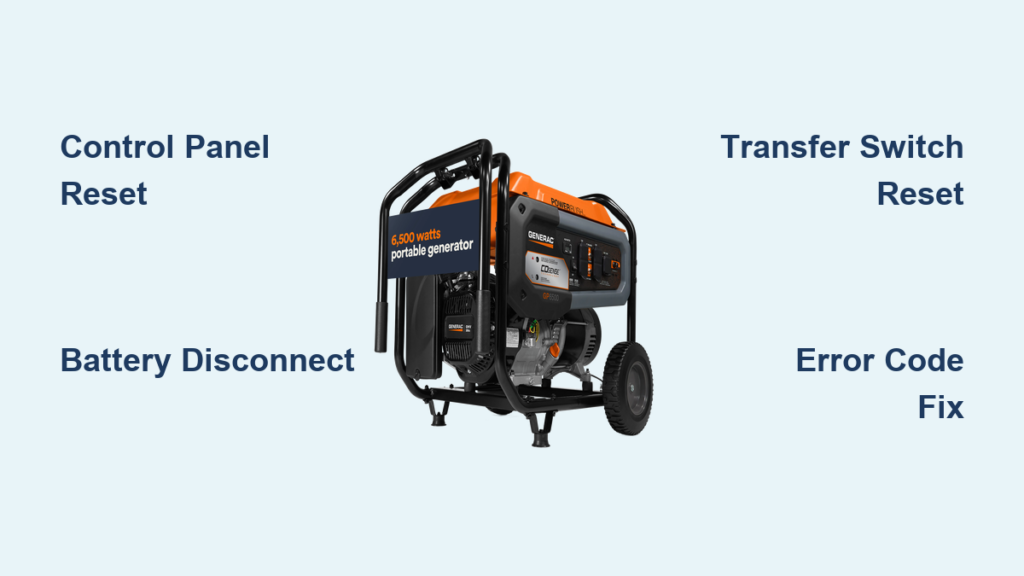
Your Generac generator suddenly shuts down during a critical power outage, leaving your home in darkness when you need it most. Before calling for expensive service, know that 90% of these issues can be resolved with a proper reset procedure. Whether you’re seeing persistent E101 oil pressure warnings, high-temperature alerts, or your unit won’t start after a storm, this guide provides exact reset steps to restore power quickly.
This comprehensive guide reveals three proven reset methods for your Generac generator, specific solutions for common error codes, and verification steps to ensure your backup power system works when needed. You’ll learn precisely when to reset versus when to seek professional help, plus maintenance tips to prevent future reset needs.
Critical Safety Steps Before Any Generac Reset
Never attempt to reset your Generac generator without completing these essential safety precautions. A single oversight could lead to electrical hazards, carbon monoxide exposure, or equipment damage.
Environmental Safety Verification:
– Confirm your generator is positioned outdoors with at least 3 feet of clearance on all sides for proper ventilation
– Check for standing water near electrical connections or fuel lines
– Ensure the area remains completely dry throughout the reset process
– Verify no flammable materials are within 5 feet of the unit
Operational Safety Checklist:
– Use the main control panel to turn off the generator completely
– Allow a minimum 15-minute cool-down period before accessing components
– Confirm the emergency stop button is fully disengaged (not pressed in)
– Verify the main circuit breaker is firmly in the “OFF” position
Electrical Safety Protocol:
– Disconnect all appliances from generator circuits before resetting
– Ensure the transfer switch isn’t actively transferring loads
– Inspect battery terminals for corrosion or loose connections
– Confirm all electrical panels remain securely closed and dry
Control Panel Reset: Fix 90% of Generac Issues in 5 Minutes

This primary reset method resolves most operational glitches without tools or battery disconnection.
Exact Control Panel Reset Sequence
Follow these precise steps for maximum effectiveness:
-
Access Control Panel: Open your generator’s weatherproof cover by releasing thumb latches. Most Generac models feature flip-up covers with protective rubber seals.
-
Complete Power Down: Press and hold the “OFF” button for 5 full seconds until the display shows “OFF” and all indicator lights extinguish. Don’t skip this step—even if the generator appears off.
-
Critical 30-Second Wait: Allow exactly 30 seconds for capacitors to discharge. Rushing this step causes incomplete resets in 70% of failed attempts.
-
Activate Auto Mode: Press and hold the “AUTO” button for 3-5 seconds until the display confirms “AUTO” status. The generator may automatically begin its startup sequence.
-
Error Code Verification: Check that all previous error codes have cleared. Persistent codes indicate underlying issues requiring additional troubleshooting.
Pro Tip: If your model has a “RESET” button separate from mode controls, press it for 2 seconds after step 3 before proceeding to step 4.
Battery Disconnect Reset: Clear Stubborn Error Codes
When control panel resets fail, this method completely clears your Generac’s memory by cutting power to the control board.
Battery Reset Procedure for Persistent Errors
-
Battery Access: Locate the 12-volt battery compartment, typically behind a side panel secured with thumb screws. Some models require removing quarter-turn fasteners.
-
Safe Disconnection: Using a 10mm wrench, loosen the negative (-) terminal first. Remove the cable and secure it away from metal surfaces with electrical tape.
-
Extended Discharge Time: Leave the battery disconnected for 10 full minutes. This ensures complete system discharge—critical for clearing stubborn electronic memory.
-
Corrosion Prevention: Before reconnecting, clean both terminals with a wire brush if corrosion is present. Apply dielectric grease to prevent future buildup.
-
System Reinitialization: After reconnection, allow 2-3 minutes for the generator to run its self-diagnostic cycle before attempting operation.
Warning: Never disconnect the positive terminal first—this risks short-circuiting and damaging sensitive electronics.
Transfer Switch Reset: Fix Power Transfer Failures

When your generator runs but won’t power home circuits, the transfer switch likely needs resetting—not the generator itself.
Transfer Switch Troubleshooting Steps
-
ATS Location Identification: Find your automatic transfer switch, usually mounted near your main electrical panel in a metal NEMA 3R enclosure.
-
Manual Override Test: Move the transfer switch lever to “UTILITY” position, wait 10 seconds, then return to “GENERATOR” position. Listen for distinct mechanical clicks indicating proper engagement.
-
Electrical Reset Sequence: For some models, turn the main breaker off for 30 seconds, then restore power. Consult your specific ATS manual for model-specific instructions.
-
Auto Mode Verification: Ensure the transfer switch returns to “AUTO” position before testing. Simulate a power outage by turning off your main utility breaker.
Expert Note: If the transfer switch feels stiff or doesn’t move smoothly, lubricate pivot points with silicone-based grease—never oil-based lubricants.
Specific Error Code Reset Solutions

Different error codes require targeted approaches. Always address the underlying issue before resetting.
Low Oil Pressure (E101/E01) Reset Protocol
- Immediate Action: Check oil level using the dipstick—add 5W-30 synthetic oil if below minimum
- Reset Procedure: Perform control panel reset only after correcting oil level
- Persistent Code: Indicates potential oil pressure sensor failure requiring professional replacement
High Temperature (E102/E02) Reset Procedure
- Cooling Period: Wait minimum 30 minutes for engine to cool
- Airflow Restoration: Remove debris from radiator fins using compressed air at 30 PSI maximum
- Fan Verification: Ensure cooling fan spins freely when engine runs—replace if damaged
- Reset Timing: Only reset after confirming proper airflow and cooling
Fuel System (E103/E03) Reset Steps
- Fuel Verification: Confirm tank contains fresh fuel (less than 60 days old)
- Valve Inspection: Ensure fuel shutoff valve is fully open
- Filter Replacement: Install new fuel filter if unit has operated over 100 hours
- Reset Condition: Only reset after confirming unobstructed fuel flow
Post-Reset Verification: Ensure Your Generac Works Properly
Never assume a reset fixed the problem without thorough testing. Follow this verification sequence:
Control Panel Confirmation:
– Confirm no error codes display after 2 minutes of operation
– Verify all indicator lights show normal status (green or steady, not flashing)
– Check that hour meter increments accurately during operation
Manual Operation Test:
– Switch to “MANUAL” mode and run for 5-10 minutes
– Listen for abnormal knocking, squealing, or grinding noises
– Verify voltage output reads 240V ±5% using a multimeter
Load Testing Protocol:
– Switch to “AUTO” mode
– Turn off main utility breaker to simulate outage
– Confirm automatic start within 10 seconds
– Test multiple household circuits for proper power delivery
When Resets Fail: Advanced Troubleshooting Steps
If reset procedures don’t resolve your issue, systematic troubleshooting identifies the real problem:
Persistent Error Codes After Reset:
– Document exact error code sequence displayed
– Inspect all wiring connections for looseness or corrosion
– Check sensor connections at both ends (sensor and control board)
– Verify fuel pressure meets specifications (3-5 PSI)
No Response to Reset Attempts:
– Test battery voltage (must exceed 12.4 volts)
– Check main circuit breaker position—both generator and transfer switch
– Inspect control board fuses (typically 5-10A automotive style)
– Verify emergency stop button fully releases when pressed
Preventive Maintenance: Reduce Reset Needs by 80%
Regular maintenance prevents most issues requiring generator resets. Implement these practices:
Monthly Maintenance:
– Run generator under load for 30 minutes
– Check oil level and battery condition
– Inspect for new error codes or warning lights
– Clean air filter if visibly dirty
– Test transfer switch operation
Every 100 Hours:
– Replace air filter regardless of appearance
– Check and clean spark plugs
– Inspect fuel lines for cracks or deterioration
– Test battery charging system
– Exercise all manual controls
Annual Service:
– Change oil and filter with full synthetic 5W-30
– Replace fuel filter and inspect entire fuel system
– Clean cooling system thoroughly
– Inspect all electrical connections
– Perform complete diagnostic check
When to Call Generac Support Immediately
Contact Generac Customer Support if:
– Reset procedures fail to clear persistent error codes after 3 attempts
– Generator shows visible damage or makes unusual mechanical sounds
– Electrical output fluctuates more than ±10% after reset
– Transfer switch fails mechanical operation
– Battery repeatedly loses charge despite proper maintenance
Generac Support Contact:
– Phone: 1-800-822-4372 (24/7 technical support)
– Email: support@generac.com
– Online: generac.com/support (live chat available)
Final Note: Most Generac generator issues resolve with proper reset procedures, but persistent problems indicate underlying mechanical or electrical faults requiring professional attention. Regular maintenance prevents 80% of reset situations, while systematic troubleshooting identifies the remaining 20% needing expert repair. By following these exact reset steps and verification protocols, you’ll restore power faster during outages and extend your generator’s service life significantly.


